


Publishing a Tool for Browsing Markdown Files in a Folder
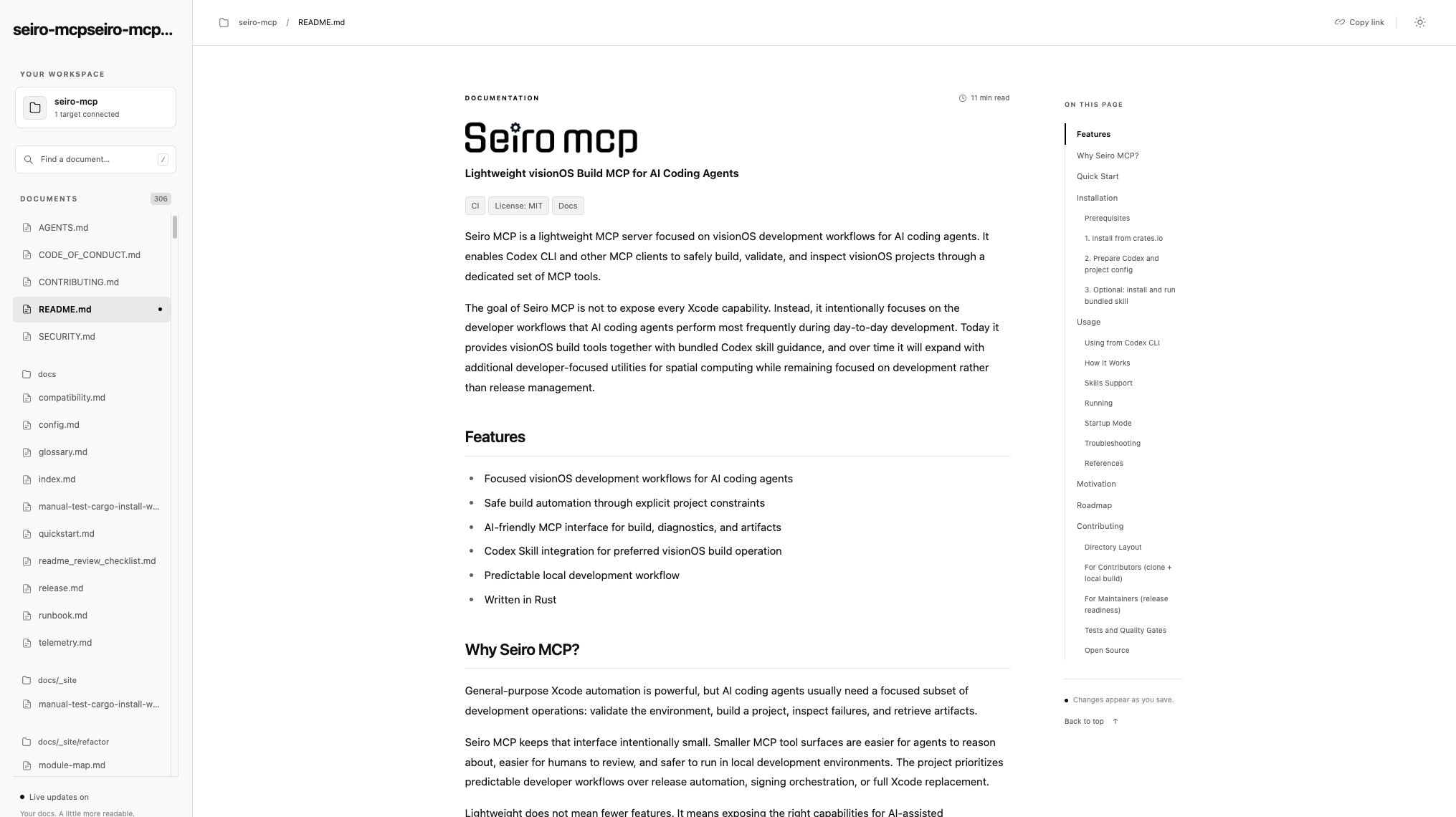
I imagine there are times when you want to check Markdown files in a repository—especially when they are spread across different folders—and see them all at once. I made a tool for just that: Kendai-md. It is a simple tool for viewing Markdown. It does not generate HTML; it is simply a small utility for checking Markdown files. I originally made it for myself, but it was useful enough that I decided to publish it, even though tools like this are probably easy to make these days.
In an age when AI leaves us with lots of Markdown files, both in repositories and locally, you may want to inspect the Markdown files in a repository without adding something server-like as a dependency. Maybe you just want to look through them, or display them in a browser and translate them.
Kendai-md also supports nested folders.
How to Use It
Using it is very simple. First, run:
$ npm install -g kendai-mdThen go to the root of any repository and run:
$ kendaiThis starts a web server.
If you would rather not install it globally, you can also run the following from the repository root:
$ npx kendai-mdThe screenshot at the beginning shows it opened with:
You can see the list of folders and files in the side area. It is handy when you have lots of spec files and similar documents.
For other details, see karad/kendai-md.
Have a happy Markdown life!~