


Released Seiro MCP v0.2.1, Now Installable with cargo install
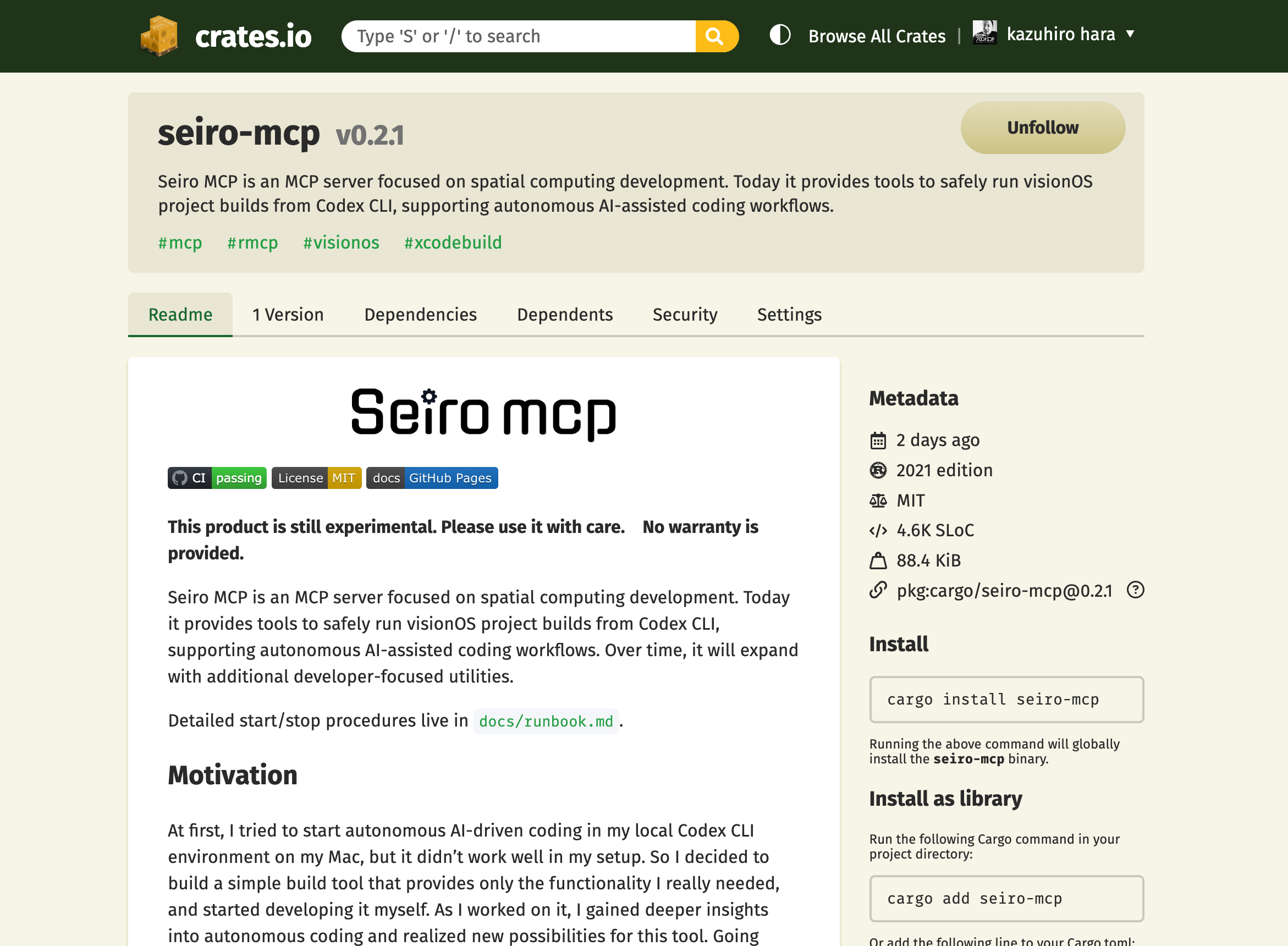
One week after v0.1.0, which I released last week, I decided to release the next version. When I first started building Seiro MCP, I began from the idea that it would be enough to build only the minimum required pieces. But as I built it, I found new discoveries and came up with new ideas, and the things I wanted to do increased. There is still more to do.
On top of that, as I learned more about new AI-related technologies, I started wanting to implement them myself, so the number of technical research points kept increasing. It feels like you cannot see the next mountain until you climb the current one, and once you climb the mountain in front of you, you finally see the next one.
The version released this time is v0.2.1. New features were also added, so I will explain them.
Registered on Crates.io and Now Installable with cargo install
There is a site called crates.io. It is the official Rust package repository. I had not registered it until now, but since I made it, I tried registering it. Registration itself is not that difficult: you create a user account and run cargo publish.
This makes it possible to install it with cargo install .... Specifically, you can install Seiro MCP locally with the following command.
cargo install seiro-mcp --locked
Implemented the seiro-mcp CLI Command
Also, when installed locally, the $ seiro-mcp command becomes available. Currently, the following commands can be used, and I have prepared commands for installing and uninstalling Skills into Codex.
seiro-mcp skill installseiro-mcp skill remove
You can also preview installation with skill install --dry-run, which provides reassurance for people who are concerned. I also prepared skill install --force for cases where the version becomes newer and you explicitly want to overwrite it. Incidentally, Skills are installed under ~/.codex/skills/seiro-mcp-visionos-build-operator/.
There is also a help command for usage, so try using it like this.
$ seiro-mcp -h
Seiro MCP (for Codex / Inspector)

Usage: seiro-mcp [OPTIONS] [COMMAND]

Commands:
  skill  Manage bundled Codex skills (install/remove)
  help   Print this message or the help of the given subcommand(s)

Options:
      --transport <TRANSPORT>     Select stdio (default) or tcp [default: stdio] [possible values: stdio, tcp]
      --config <CONFIG_OVERRIDE>  Path to config.toml (overrides MCP_CONFIG_PATH)
      --token <TOKEN_OVERRIDE>    Explicit token override via CLI
  -h, --help                      Print help
  -V, --version                   Print version
There are still many things that can be done and that I want to do. I think frequent version upgrades will continue for a while.