


Joined a Workshop on visionOS Accessories (PS VR2 Controllers and Muse)
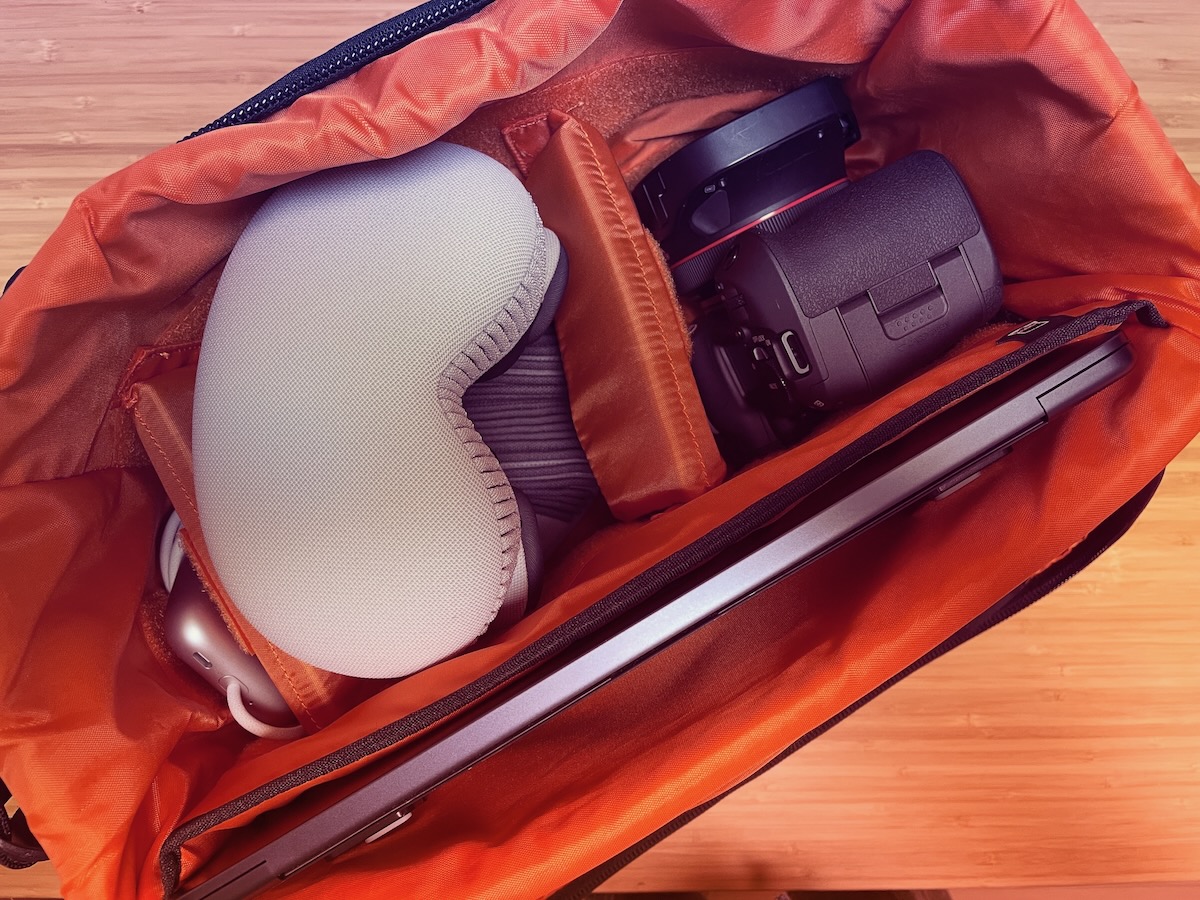
I attended the "Details of the Latest Accessories and Media Devices for visionOS" workshop held at Apple in Roppongi on Tuesday, October 28, from 1 p.m. to 4 p.m. At the workshop, we were able to actually pair various devices with Vision Pro, run samples in Xcode, and try linking with the devices.
Incidentally, the photo shows my recent immersive business trip kit. I like it quite a bit because I can carry Vision Pro, a VR180 camera set, and a MacBook Air all at once.
The devices placed at the workshop venue were as follows.
- PlayStation VR2 controllers (left and right)
- PlayStation 5 wireless controller
- Muse for Apple Vision Pro
- Canon EOS R5C + RF5.2mm F2.8 L DUAL FISHEYE
- Something from Insta360
- One other action camera of some kind
I did not touch the last two, so I do not have detailed information, but other participants took them outside to shoot.
By the way, I brought:
- MacBook Air M3
- Vision Pro M2
- Canon EOS R5 Mark II + RF5.2mm F2.8 L DUAL FISHEYE
so I was not paying that much attention to the cameras. That said, it was my first time seeing an actual R5C, so I found it interesting and tried touching it.
PlayStation VR2 Controllers (Left and Right)
This is one of the recently announced major supported accessories: the PlayStation VR2 controllers can also be used with Vision Pro. The link below is the sample we tried at the venue.
The procedure is straightforward: first connect the VR2 controllers to Vision Pro, then run the sample code in Xcode. However, note that both the L and R VR2 controllers need separate Bluetooth connections.
The sample starts with you holding a tennis ball, and you can throw the ball by swinging your hand toward cans used as targets inside the Volume area. I felt this was easier to understand for people who are not used to hand tracking. In code, it seems good that it can be implemented without needing to add custom drivers or libraries.
Also, the VR2 controllers can be used to operate Vision Pro menus and other UI with a cursor, so there is a sense that they could also be useful for everyday use.
Muse for Apple Vision Pro
The other major highlight was hands-on experience with the actual "Muse for Apple Vision Pro." I was also able to pair this with my own Vision Pro and run a sample in Xcode.
Muse for Apple Vision Pro is a device that takes a little getting used to. The sample lets you carve, add shapes, and otherwise deform a cube floating in the air, letting you experience the unique feel of pen-like operation. This also can be implemented without needing to add a new SDK.
Other Notes
Recently I have been into VR180 video, so I asked about the issue where videos do not play well when hosted on a local HTTP server. I was taught various things about this, but I have not tried everything yet, so I plan to write another entry once I am done.
For PlayStation VR2, I somehow have one at home, so trying it at home would also have been fine. But with Muse, there are many things you cannot understand without actually touching the device, and there are also questions that arise only after touching it. So I think it was a valuable opportunity to touch the real device at this workshop and also try using it with my own device. And I feel like I will probably buy Muse.