


I Used Codex for Mobile on the Train to and from a General Meeting and Got Some Work Done
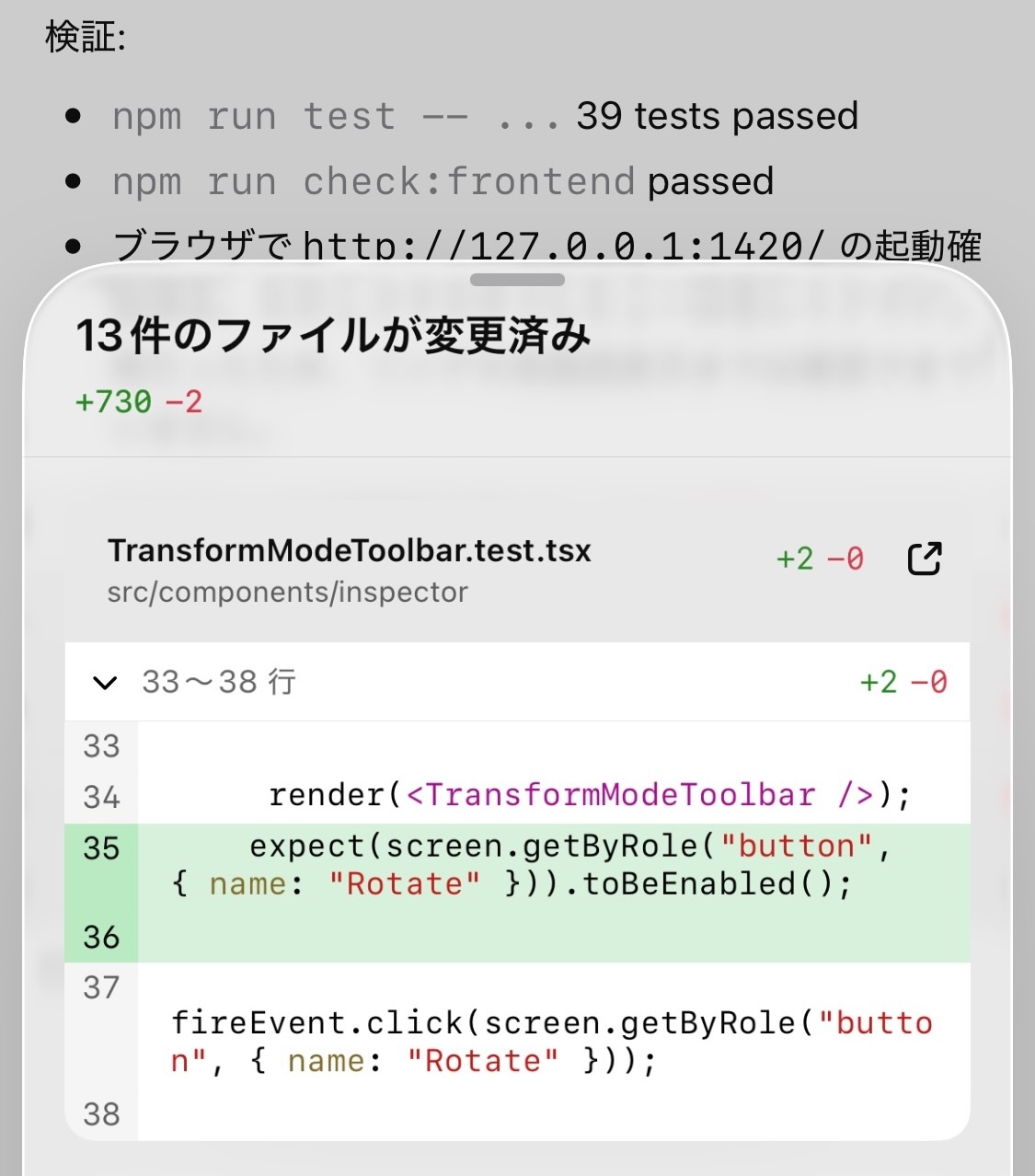
Over the weekend I needed to go to something like a general meeting, so on the train there and back I used Codex for Mobile to fix several bugs in my own project and add features with SpecKit. Here are some rough impressions. To start with the conclusion, it feels very usable.
As you get older, errands increase. That cannot be helped. Since errands are unavoidable, I want to use travel time meaningfully. So this time I tried Codex for Mobile outside. To use Codex for Mobile outside, you do need to prepare to some extent in advance. Codex for Mobile lets you operate Codex on your Mac from a smartphone.
Incidentally, my iPhone is an iPhone 12 mini. Its small size is irreplaceable, so I have not upgraded. The operating speed of Codex for mobile felt completely fine.
Essential Requirements
The thing that will block you if you forget it is making sure Codex is available on your Mac. Before leaving, it may be best to check the settings screen and connect once with Codex.
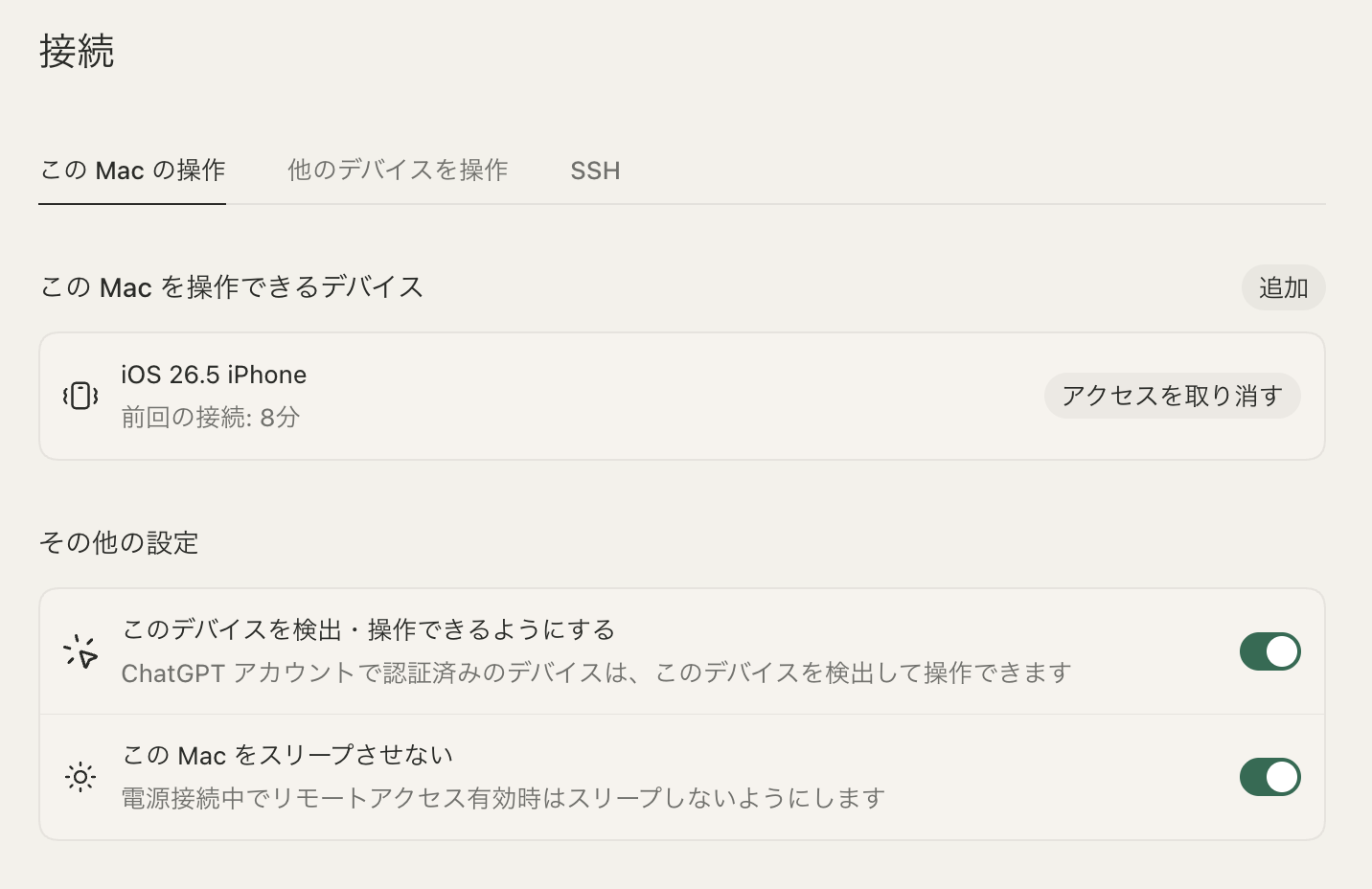
If you had turned off your Mac when leaving, you would not be able to use Codex outside. In that case, it is best to give up and do something enjoyable outside.
Preparation 2
As the second preparation point, this is not necessarily something you do right before going out, but I think it is better to have some backlog prepared. Even if you can use Codex outside, checking your project's code and thinking through things on a small screen such as an iPhone is fairly troublesome. It was a moment when I thought about buying an iPad mini. If you want to check code, I think it is also better to have the GitHub app installed.
The backlog can be fragments of ideas or paths to code you want to improve. In any case, it is good to write down a lot of notes. I recommend regularly writing down and stockpiling the areas you want to improve, because then you can make plenty of implementation progress while outside.
I use a tool called Obsidian for various notes, and because I am a heavy user, I subscribe to Obsidian Sync, a service that can sync with the iPhone. There are other ways to do it for free, but I pay the monthly $5 fee as a way to support the project.
In this Obsidian vault, I usually write down things I want to improve, code paths, and code snippets. My style is to copy that and paste it into Codex.
SpecKit Also Works Perfectly
This is different when making some casual sample, but basically I use SpecKit to move implementation planning forward. In the past, support for Codex was weak, but recently it has become wonderfully easy to use. Various commands are provided as Skills, so completion works even in Codex for mobile.
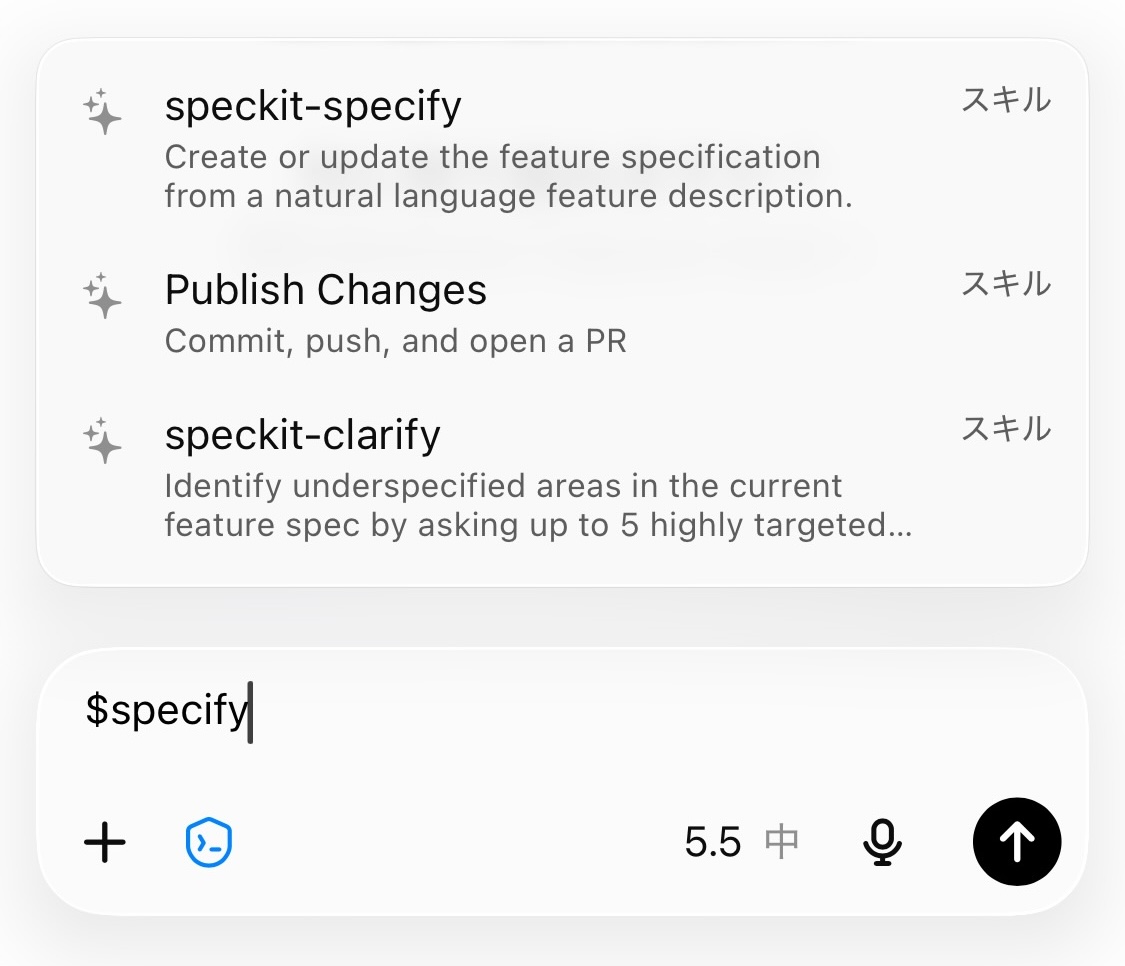
So, while riding the train there and back, I was able to review and proceed through the work I wanted to do, from creating the Spec with SpecKit to creating the Plan and Tasks. By the time I got home, several implementations were already complete.
I am thinking of doing a demo at Codex + visionOS Hack #1 at Motoyawata - Luma, which will be held on June 27. Registration is still open, so please feel free to join.